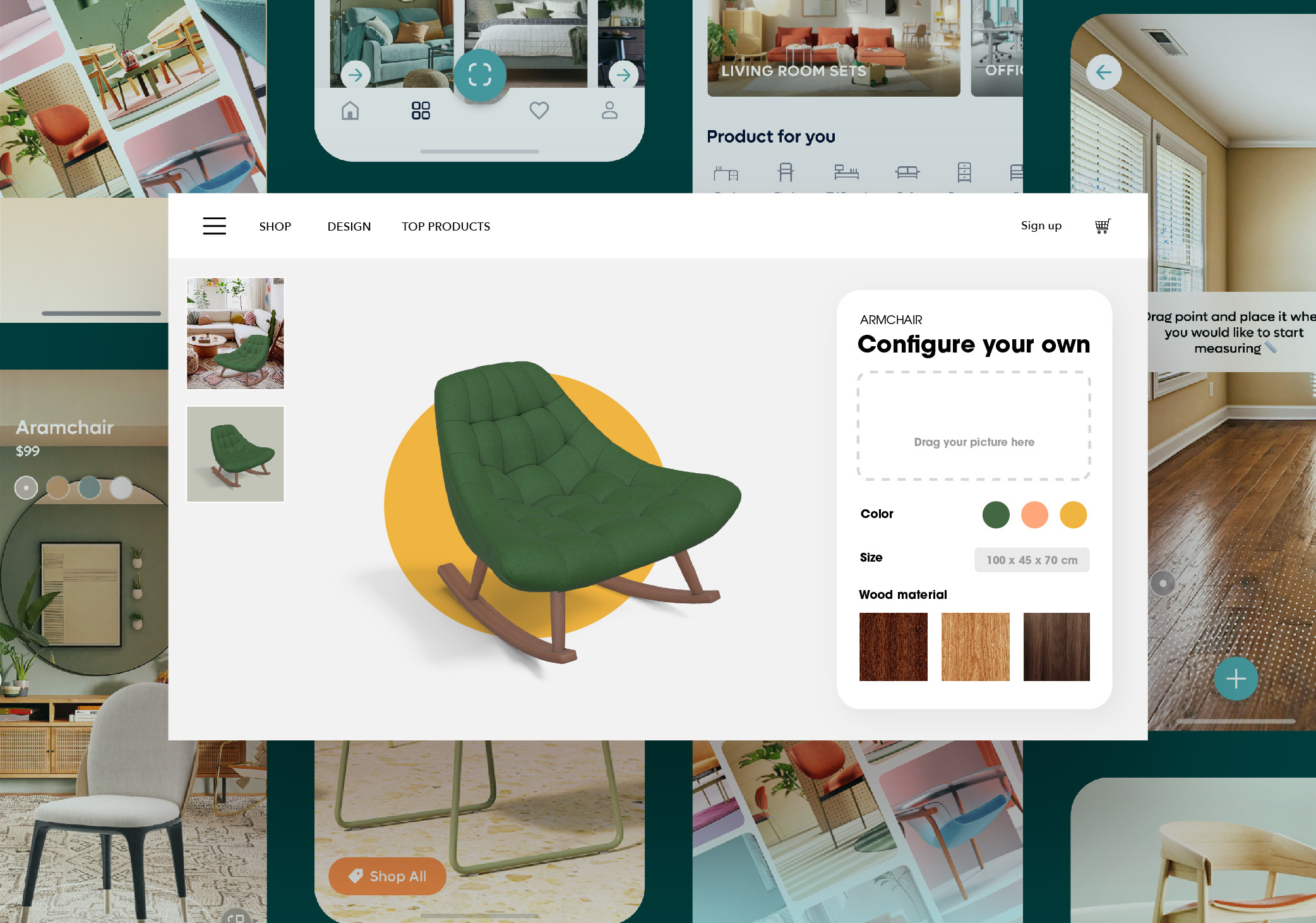
A scenario that comes up in scoping calls often: a company has a real, working website. It's running on React, or WordPress, or Webflow, or some custom Rails monolith from 2017. Marketing wants a 3D product configurator on the homepage. The in-house team has never shipped 3D before.
Their question to me is usually not "can you build a configurator?" — they know I can. The question is "will adding 3D to our existing site break it?"
It's a fair question. Most senior engineering managers have seen a third-party widget or embed take down a working page in production. Before they hire someone like me to add interactive 3D web development to their stack, they want to know that the embed will be a good citizen of the site they already have.
This article is the checklist I work through when scoping that integration. It's the playbook a senior threejs developer for hire applies before writing a single line of scene code.
What "good citizen" actually means
A 3D module that breaks an existing site does it in five predictable ways. The job of the senior 3D website development specialist is to anticipate all five before deployment, not after.
The five failure modes:
- Page weight — the 3D module ships so much JavaScript that initial page load times double or triple
- CSS conflicts — Three.js styles or canvas behavior clashes with the existing design system
- Build pipeline — the 3D library doesn't tree-shake, doesn't ESM-import cleanly, or breaks the existing bundler config
- Mobile fallback — the module works on desktop, then crashes or hangs on a mid-range Android phone
- Accessibility — the canvas-based interaction creates a section of the page that screen readers and keyboard users can't navigate
Each failure mode has a known mitigation. None of them are surprises if you've shipped enough of these. All of them surprise teams who haven't.
The integration checklist
Here's what I work through, in order, when scoping a 3D embed into an existing site.
1. Decide the embed boundary first
Before any code: where exactly does the 3D module live in the page? A dedicated section with its own scroll position is fundamentally different from a widget that sits inline next to text. A modal that opens on demand is different from a hero element above the fold.
Each placement implies different choices: lazy-loading strategy, CSS isolation, intersection observer triggers, fallback UI. Get this wrong and every subsequent decision compounds.
The boundary discussion takes 20 minutes. Skipping it costs two weeks.
2. Lazy-load the 3D bundle
A Three.js scene plus its dependencies plus assets is rarely under a megabyte. Loading that on initial page paint is malpractice for any site that cares about Core Web Vitals.
The pattern I default to: ship a placeholder image or low-fidelity preview in the page's initial HTML. Use an Intersection Observer or scroll trigger to load the full Three.js module only when the user is about to see it. Show a loading state while the module hydrates.
For sites with strict performance budgets, the lazy boundary can also be tied to user intent — load on hover, load on scroll-near, or load on explicit "View 3D" click. The right trigger depends on how central the 3D module is to the page's purpose.
3. Isolate the canvas styling
Three.js renders to a <canvas> element. The canvas needs explicit width, height, and resize handling. The number of ways this can fight an existing CSS framework is non-trivial.
The integration patterns I use, in order of preference:
- Wrapper div with constrained dimensions. Canvas fills the wrapper. Wrapper sits inline in the page like any other component. Cleanest integration; most flexible.
- Aspect-ratio-locked container. When the design system has fixed aspect ratios, lock the canvas to match. Resizes responsively without layout shift.
- Fullscreen overlay on demand. When the 3D experience is meant to be primary, render canvas fullscreen with a close button. Decouples 3D layout entirely from page layout.
What I avoid: letting Three.js manage its own layout via window.innerWidth. That works for a 3D-first site. It breaks immediately when the canvas is one section of a larger page.
4. Match the existing build system
A React app with Vite has different integration constraints than a WordPress site loading scripts via <script src="">. The 3D module's build configuration has to match the host site, not the other way around.
For modern bundler-based stacks (Vite, Webpack, esbuild, Next.js, Nuxt), Three.js imports cleanly via ES modules with proper tree-shaking. For legacy or no-build stacks (WordPress, classic Rails, Webflow), the right approach is usually a pre-built UMD bundle hosted as a static asset and loaded via a script tag.
The build mismatch is one of the most common integration failures I see. A team imports Three.js into their WordPress theme via npm, ships a 4-megabyte un-minified bundle, and wonders why the site got slow. A senior threejs development services engagement starts with the build pipeline, not the scene code.
5. Plan for mobile from day one
The 3D embed that works on a developer's M1 MacBook and crashes on a $300 Android phone is the most common failure mode in this category. Mobile-first isn't a slogan — it's the budget that determines whether the embed ships at all.
The mobile checklist:
- Reduce polygon counts and texture sizes for mobile breakpoints. Same scene, different LOD. Detect device capability and serve the lower-tier assets.
- Cap pixel ratio. Devices with 3x DPR will tank performance trying to render at native resolution. Cap at 1.5x or 2x.
- Limit the number of materials and lights. Mobile GPUs handle far fewer of both than desktop GPUs. Five lights is a lot. Twenty is unshippable.
- Test on real devices. Simulators lie about thermal throttling and GPU limits. The single most valuable thing I do before delivering a 3D embed is test on a mid-range Android device that's been used for fifteen minutes.
6. Accessibility and progressive enhancement
The 3D experience has to work for people who can't or won't render it. Specifically:
- A meaningful fallback when WebGL is unavailable. A static image with the same product photographed from a few angles is usually enough.
- Keyboard navigation for any UI controls inside the canvas (color picker, configuration options).
- Aria labels on interactive elements. The canvas itself can be marked with role="img" and a descriptive aria-label.
- Reduced-motion respect. If the user has
prefers-reduced-motionset, disable auto-rotate and ambient camera movement.
These aren't compliance checkboxes. They're the difference between a 3D embed that respects all visitors and one that excludes a meaningful percentage of the audience the marketing team is paying to reach.
The questions I ask before quoting
When a client wants me to add 3D to their existing site, the discovery conversation goes through:
- What's the host stack? React/Vue/Svelte, WordPress, Webflow, custom — each implies a different integration pattern.
- What's the page weight budget? Sites with strict Core Web Vitals targets need different lazy-loading strategies than sites that don't.
- What's the design system? A 3D module needs to look like it belongs on the page. The brand colors, typography, and UI vocabulary all influence the module's look.
- Who maintains the integration in two years? If the in-house team will own the code, the integration needs to be patterns they can extend without me.
- What's the mobile traffic share? This decides whether mobile performance is a primary constraint or a polish concern.
The answers determine whether the engagement is a 3-week embed or a 10-week embed. They also determine whether Three.js is even the right framework for the integration, or whether something lighter (like a plain GLB viewer with <model-viewer>) would do the job.
What this is worth to a hiring manager
The reason an embedded 3D specialist costs less than the in-house alternative isn't because the work is cheaper. It's because the work is faster — six weeks instead of six months — and faster is what matters when marketing has a launch date.
For an in-house team that's never shipped 3D before, every checklist item above takes them through a learning curve. Each item has a few weeks of false starts and rework before it lands. Compounded across all six, that's a six-month project.
For someone who's done 3D website development and interactive 3D web development as their specialty, the same checklist takes one careful conversation, one architecture diagram, and a build cycle. The same launch ships in six weeks instead of six months.
That speed difference is the case for hiring an independent specialist instead of training the in-house team — for this project, on this timeline, where the team will pick up the patterns from working alongside someone who already knows them.
If you're scoping that kind of project right now, the discovery call is where we figure out which of those six checklist items will be the long pole, and what the realistic timeline looks like for your specific site. Most embeds are simpler than they look once the host stack is understood. A few are harder than they look. The first call tells us which.