Short answer: when customers can rotate, customize, and inspect a product in 3D before buying, they buy more confidently — and they buy more. Published data from Shopify, Vertebrae, and Hapticmedia consistently puts the lift at 30–40% in average order value (AOV — the average dollar amount per customer order), with a parallel 20–30% reduction in returns. The mechanism is simple: 3D removes the ambiguity between product photo and reality, and configuration turns a static SKU into a personalized purchase.
The harder question — the one I get hired to answer — is how to build one that actually delivers those numbers instead of just existing on a product page as a novelty. Most configurators ship, but only a fraction move the commercial metrics they were scoped to move. This article breaks down why, and what I do differently when a team brings me in.
The problem 2D product pages can't solve
Every e-commerce team eventually hits the same wall: high-margin SKUs underperform because customers can't tell the product apart from its competitors based on photography alone. A leather bag at $480 looks nearly identical to a $180 bag in a gallery of thumbnails. The premium pricing gets justified in the product description, but by the time a customer reads the copy, they've already mentally priced the item against the cheaper alternatives on the page.
Vertebrae's 2023 e-commerce study reported that 87% of online shoppers who interacted with a 3D product view completed their purchase, compared to 44% for traditional 2D pages. Shopify's own data on AR and 3D commerce shows conversions up to 94% higher on products with 3D. These aren't lab numbers — they're pulled from production merchants running side-by-side tests.
The mechanism is psychological. A 3D product view shifts the buyer from "evaluating" to "inspecting." Rotation, zoom, and configuration trigger the same cognitive response as handling a physical object in a store. Once that shift happens, the purchase decision weights differently — price becomes a smaller factor, fit and material become larger ones, and AOV rises because customers add options they wouldn't have imagined from a 2D photo.
There's also a perceived-value lift that's harder to measure but real. A product the customer can rotate, zoom into, and customize in real time feels premium in a way a static photo doesn't. Brands selling at premium tiers — luxury goods, design-forward DTC, high-margin specialty — see this most clearly: configurator-equipped products start being priced and perceived as a category above their flat-photographed competitors, even when the underlying product is identical. For brand-conscious clients, that perception lift can matter more than the raw AOV number.
Where most configurators fail
In the engagements I've taken on to fix or rebuild existing configurators, the failure patterns cluster tightly:
They were too slow to load. A configurator that takes 8 seconds to become interactive on mobile kills the conversion lift it's supposed to deliver. Customers scroll past it. The team assumes 3D doesn't work for their product. In reality, the model was exported at film quality (200MB+ of geometry and textures) instead of shipping quality (under 3MB with texture compression and LOD).
They were built on a SaaS platform that couldn't reach far enough. Tools like Emersya, Threekit, and Sketchfab's viewer ship fast for generic products but hit a ceiling on bespoke customization. When a team needs a configurator to drive specific commercial logic — pricing tiers, availability checks, customer-specific pricing, tight integration with the PDP's add-to-cart flow — the SaaS layer becomes a wall. Teams often pay significant annual SaaS licensing and still end up needing custom WebGL work on top.
They were designed without attention to device reality. Desktop-first configurators that choke on mobile, when 65–75% of e-commerce traffic is mobile, essentially build a feature for the minority of their customers. Mobile-first constraints — memory budgets under 200MB, shader complexity that works on mid-range Android, touch interactions that don't fight the page scroll — need to be engineering assumptions from day one.
They didn't integrate with the PDP. A configurator that opens in a modal, isolated from the rest of the product page, gets used 3× less than one integrated inline. The surrounding page — reviews, related products, the add-to-cart button — needs to respond to configuration state. Color selected in the 3D view updates the price, variant SKU, and stock indicator without a page refresh. This is where "3D on a product page" becomes "a configurator that drives revenue."
What I build when a team hires me for this
I'm a Three.js and WebGL developer. I don't sell platforms, I don't sell design, and I don't run retainers. Teams bring me in for 6–12 week contracts when they need a configurator that ships fast, performs on their traffic, and integrates with whatever they have in production — usually Shopify Hydrogen, Next.js on a headless CMS, or an in-house React storefront.
The technical stack I default to:
- Three.js (raw, not React Three Fiber) for the 3D engine. I've written at length about why R3F is the wrong abstraction for marketing sites and commerce pages, but the short version: R3F's reconciliation overhead costs frames during interactions, and for product pages where every bounce costs money, you want the leanest runtime you can ship.
- KTX2 / Basis Universal texture compression, supported natively by Three.js
KTX2Loader. This cuts texture download size by 6–10× with negligible visual loss on product models. Google recommends this for any production 3D on the web. - Draco + meshopt compression for geometry. A car-door handle model that ships at 18MB as raw GLB drops to 1.2MB with both compressors, and
GLTFLoaderdecodes them without custom code. - Instanced rendering for any configurator with modular parts — kitchen cabinets, modular furniture, jewelry with repeatable gems. Skipping this is the #1 reason I see desktop Chrome start dropping frames at 10+ configurable parts.
- A state layer that lives in the page, not in the 3D engine. Configuration state is a React or Vue store, the 3D scene subscribes to it, and so does the add-to-cart flow. This is what makes 3D drive the commercial metric, not just exist alongside it.
For rendering quality, I stay inside what the browser gives you natively — no heroic post-processing stacks, no screen-space ray tracing, no custom PBR shaders unless the product genuinely needs them. A well-lit GLTF model with properly baked AO, a good IBL environment map, and one soft shadow catcher outperforms a poorly-configured PBR pipeline every time. Clients hiring me expect me to hold this line against feature-creep from marketing stakeholders who saw something flashy in a competitor's demo.
A realistic build timeline
A working configurator that ships the commercial lift, built into an existing e-commerce site, is a 6–10 week engagement for me. The phases:
Week 1–2: Audit and model pipeline. Most of the project risk lives here, not in the 3D code. I audit the product assets — are there STEP files from engineering, ZBrush files from the design team, or do we need to model from photos? I establish the modeling, texturing, and compression pipeline that will produce every SKU variant. Getting this pipeline right upfront saves 4–6 weeks later.
Week 3–4: Core viewer + configuration state. Three.js scene, camera controls, the first round of variant switching. At this point I have something the team can click through internally, though it's not integrated with the PDP yet.
Week 5–7: PDP integration, mobile optimization, commerce logic. This is where the engagement earns its AOV lift. The configurator is embedded into the real product page template, mobile performance is profiled and tuned, and configuration state is wired into the cart, pricing, and inventory.
Week 8–10: Load testing, analytics instrumentation, edge cases. By this point we know the metrics we're supposed to move, and I wire up event tracking so the team can verify the lift post-launch. Edge cases (slow connections, low-end devices, ad blockers interfering with texture CDNs) get hardened.
For teams that already have good 3D assets and only need the runtime and integration work, the timeline compresses to 4–6 weeks. For teams starting from CAD files with no web-optimized pipeline, it extends to 10–12 weeks.
When this doesn't make sense
I turn down configurator projects when:
- The product SKU count is under 20 and complexity is low. A basic 3D viewer will do, and the ROI on a full configurator doesn't pencil out. I'll recommend Sketchfab or a simple
<model-viewer>embed instead. - The team has no design system or PDP the configurator can integrate with. I build configurators, not redesign product pages. If the PDP needs rebuilding first, that's a different engagement for a different specialist.
- The primary goal is "wow factor," not commercial metrics. A configurator built to impress at a trade show is a different project than one built to lift AOV. I've done both, but the scoping, timeline, and budget are not interchangeable, and teams that conflate them end up dissatisfied.
How to start
If you're an e-commerce team weighing whether to invest in a 3D configurator, the first question isn't "which developer or platform?" It's whether your SKUs and traffic justify the build. I'm happy to review your product catalog, PDP analytics, and current tech stack in a 30-minute call and give you a straight answer on whether the AOV lift is realistic and what the shortest path to it looks like.
I join product and engineering teams for 4–12 weeks to ship WebGL and interactive 3D features. No agency overhead, no SaaS licensing, no retainer — just the specialist work your internal team doesn't have capacity to build from scratch.
Book a 30-minute consultation or see other demos I've shipped.
See it in practice
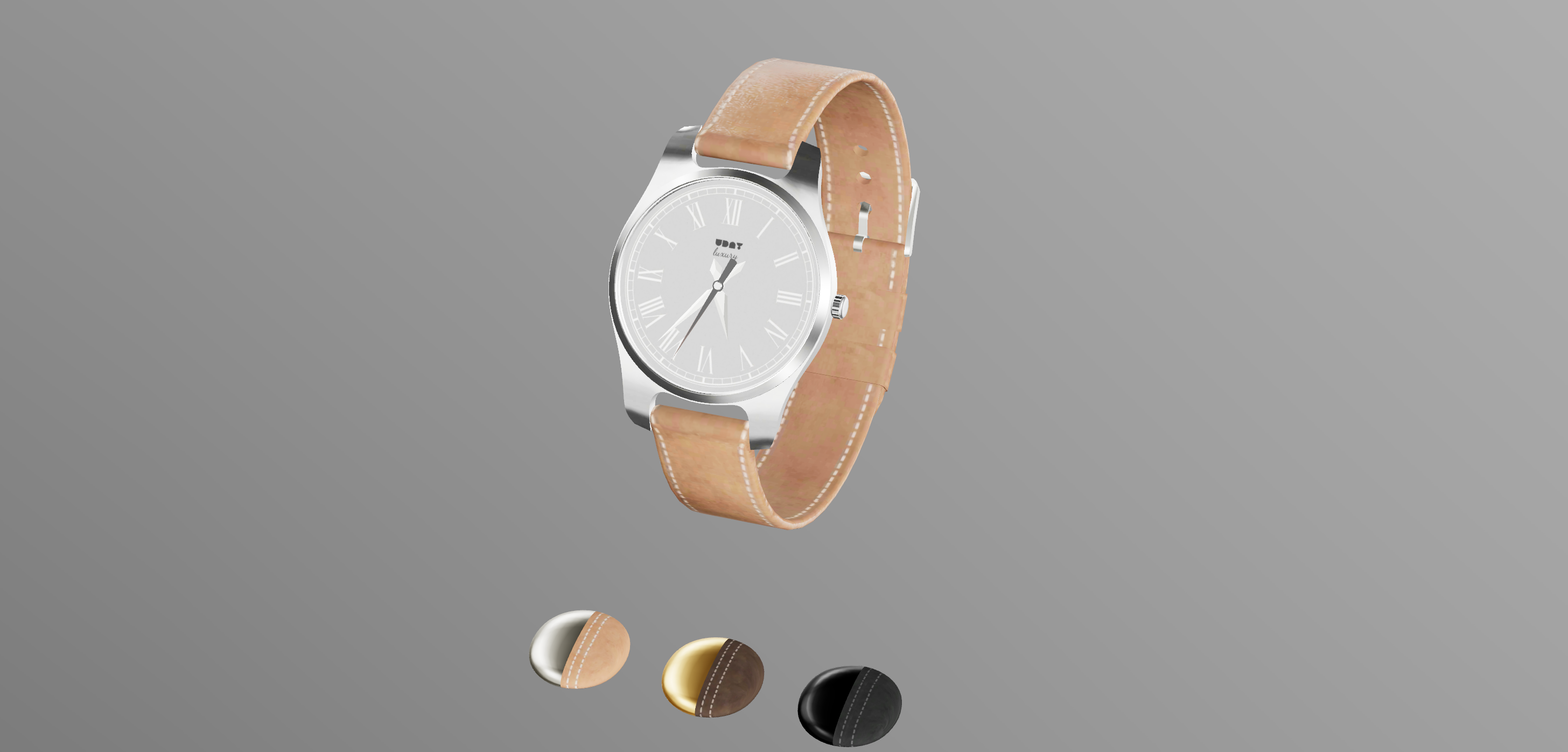
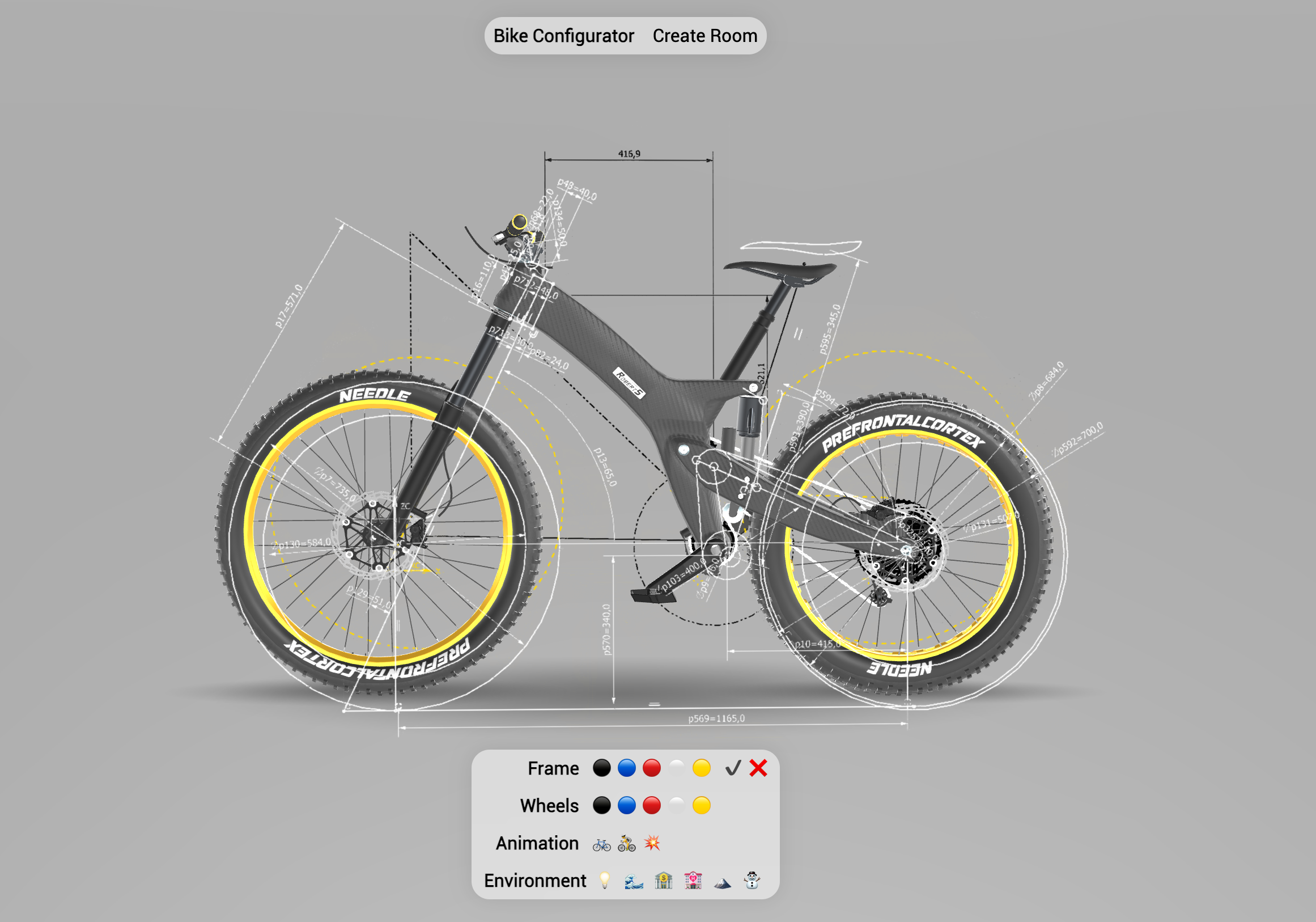
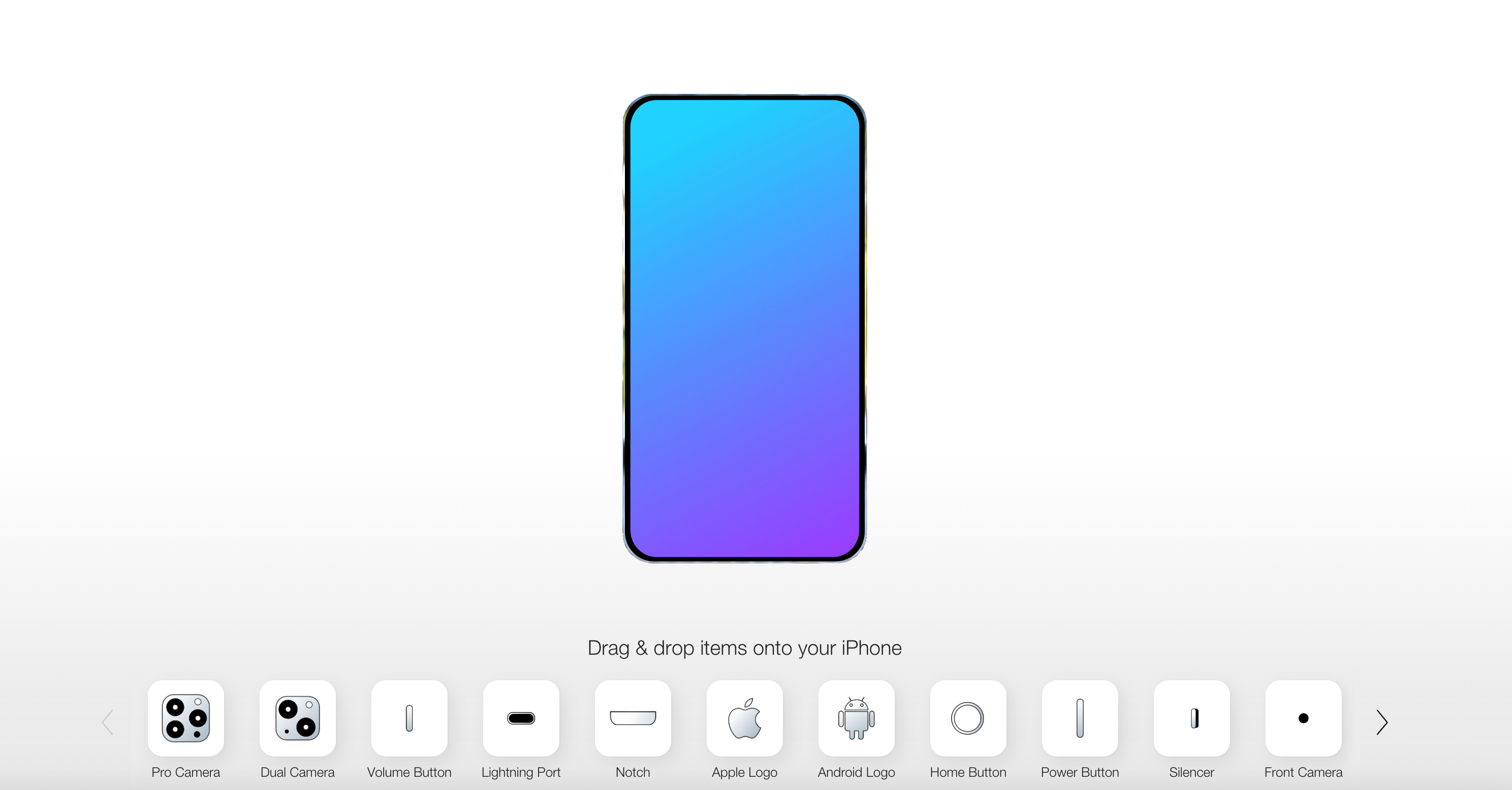
Related reading: - The case against React Three Fiber for marketing sites - Why your Three.js scene is slow on mobile - Shaders that survive design review