Short answer: gamification can raise knowledge retention by 40–80% compared to passive video or reading — but only when the game mechanic is genuinely tied to the learning objective. Points and badges layered on top of video are gamification theater, not gamification. What actually works is a narrower set of mechanics that map directly to how a specific skill is acquired: spaced retrieval, generative recall, simulation-based decision-making, collaborative puzzles, and progression systems tied to mastery rather than completion.
The teams who hire me to build interactive learning tools don't need help deciding whether to gamify. They've already decided. They need help building something that works in the browser, runs on a Chromebook, and integrates with their existing LMS. This article covers the five mechanics I build most often, the deployment realities I design around, and what a real engagement looks like.
The retention problem passive learning can't solve
Educause's Horizon Report and decades of cognitive science research converge on a stubborn truth: learners retain about 20% of what they read or watch passively, versus 75% or more of what they do and teach others. The specific numbers vary by study and context, but the ordering is remarkably consistent across K-12, higher ed, and corporate L&D.
The shift in education technology has been toward "active" learning — content that requires the learner to make decisions, apply concepts, and receive feedback. Gamification, when done well, is an engineering approach to making that activity appealing enough that learners will do it voluntarily rather than being forced to.
Done badly — which is most "gamified" learning on the market — it becomes what researchers call "chocolate-covered broccoli": superficial game elements wrapped around content that was boring to begin with.
Where most gamified modules fail
Before I get to what works, the patterns I see fail most often:
Points and badges bolted onto video. A trainee watches a 4-minute video, answers a multiple-choice question, gets a badge. Repeat. The game elements are real; the "game" isn't. Learners disengage from these within the first module once they realize the badges mean nothing.
Games that feel like games but don't teach the target skill. A math "game" that lets the student fire a cannon at blocks with answers written on them exercises eye-hand coordination, not math. If a learner can win without learning, the game has failed as pedagogy.
Unity or Unreal native apps that teachers can't deploy. This is the deployment wall: K-12 district IT departments routinely block application installs. Any module that requires the learner to install something is functionally unavailable to most US K-12 districts. Chromebooks run 60%+ of US K-12 devices, and they don't run native apps.
Accessibility failures. Gamified modules built without attention to WCAG compliance — keyboard navigation, color contrast, screen reader support — create legal risk for districts and corporate deployments alike. Color-only feedback, complex pointer-required interactions, and audio-dependent cues that have no text equivalent are the most common issues.
5 mechanics that actually work
1. Spaced retrieval with generative prompts
The most evidence-backed learning mechanic in cognitive science. Learners recall an item, get feedback, and the item re-appears at algorithm-determined intervals until it's durably remembered.
What elevates this beyond flashcards is generative prompting — asking the learner to produce the answer rather than recognize it, and varying the prompt across encounters. The Cambridge Handbook of Cognition and Education summarizes the research: generative recall outperforms recognition recall by a factor of roughly 1.5–2× for long-term retention.
In a browser-based module, this looks like interactive 3D scenarios where the learner places elements, labels structures, or reconstructs sequences, with the review timing driven by their performance history.
2. Simulation-based decision trees
Case-based reasoning where the learner makes decisions in a simulated scenario and watches the consequences unfold. Medical training, safety training, and management skills training have all converged on this mechanic because it produces transferable skill in a way pure knowledge tests don't.
The 3D element matters: a 2D case study of "what would you do if a fire started in a chemical lab" is far less effective than a navigable 3D lab where the learner walks through the space and makes decisions about specific objects they can see. Spatial context is a retrieval cue; test retrieval cues match the context where the skill will be used.
3. Multiplayer or collaborative puzzles
Teaching-to-others is the highest-retention learning modality in every study that measures it. A game mechanic that requires one learner to explain a concept to another, or two learners to coordinate on a shared problem, captures this benefit at scale.
Deployment caveats: multiplayer requires a backend, session management, and careful thinking about matching students who don't know each other. For corporate L&D, this usually works. For K-12 in the US, it's a minefield of FERPA and COPPA requirements. The K-12 version of this mechanic often collapses to "asynchronous collaboration within a classroom cohort," which is technically simpler and legally cleaner.
4. Mastery-based progression
Progression systems that unlock content based on demonstrated understanding rather than time spent. This sounds obvious, but most LMS-delivered "gamified" content actually progresses on completion (did the learner click through all pages) rather than mastery (can they do the thing).
The mechanic is: a module is locked until prerequisites are demonstrated. Prerequisites are demonstrated through in-game performance, not quiz scores. This turns game progression into a diagnostic signal for the instructor, which is why instructional designers like it.
5. Narrative context
The weakest of the five on its own, but a strong force multiplier for the others. Embedding learning content in a narrative — a story arc, a fictional organization, a character-driven premise — raises engagement time significantly, and engagement time is a prerequisite for all the other mechanics to work.
Narrative doesn't have to be elaborate. A simple framing like "you're an environmental scientist investigating a city's water supply" outperforms the same content framed as "complete these five modules on water testing."
The browser advantage
For eLearning, the browser isn't a constraint — it's the competitive advantage. Every major failure mode I mentioned above has a browser answer:
- No install barrier. The module loads in Chrome, Safari, Edge, or Firefox with a URL. Chromebook-compatible by default. District IT approves by deploying nothing.
- Revision cycles measured in hours. When a subject-matter expert catches an error, a browser-based module can be updated and re-deployed the same day. Native apps have update cycles measured in weeks through Apple and Google stores.
- Analytics at every interaction. Browser-based modules can instrument every click, every decision, every timing — and feed that data into whatever analytics pipeline the organization already runs. Mixpanel, PostHog, and Amplitude all have straightforward web SDK integration.
- WCAG-compliant by design. The browser's accessibility primitives — keyboard navigation, semantic HTML alongside 3D content, screen reader compatibility — are built-in. Native apps have to rebuild these primitives.
Technical stack I default to
Three.js with a hand-rolled game loop. The same argument I make in my piece on React Three Fiber for marketing sites applies doubly to educational games. Games need tight control over frame pacing, update order, and resource loading. R3F's reconciliation model fights this. For educational games, I reach for raw Three.js and a simple state management layer.
Howler.js for audio. Audio is massively important in K-12 educational games — voiceover, sound effects, musical cues. Howler handles the browser compatibility quirks of web audio and the audio sprite format that makes dozens of small sound effects performant.
Zustand or a minimal pub-sub for game state. Game state doesn't fit React's mental model well. For small modules I use a simple event-emitter pattern. For larger ones, Zustand gives me the state management I need without the ceremony.
SCORM 1.2 or xAPI for LMS integration. Most enterprise clients are on some variety of LMS (Cornerstone, Workday Learning, Docebo, Canvas for higher ed). SCORM 1.2 is the oldest and most reliable standard. xAPI (Experience API) is richer and what I default to for new builds, with SCORM available as a fallback for older systems.
Progressive asset loading. Educational modules are frequently used on bandwidth-limited school wi-fi. A module that takes 30 seconds to load loses 60% of its audience. I build modules that show usable content in under 3 seconds, with the rest streaming in as the learner progresses.
What a typical engagement looks like
6–10 weeks is the typical range for a single module with 3–5 interactive scenes, depending on art-asset complexity and how much LMS integration is needed.
Weeks 1–2. Instructional design review with the client's ID team or SME, art direction, and pipeline setup. A lot of project risk lives in the ID alignment — "gamified" can mean very different things to different stakeholders, and this is where we nail down the specific mechanics from my list of five.
Weeks 3–5. Core scenes and gameplay. By end of week 5, the client can play through a rough version of the full module.
Weeks 6–7. Polish, audio integration, analytics event wiring, LMS integration.
Weeks 8–10. Accessibility hardening, cross-browser testing, Chromebook-specific tuning, documentation, handoff.
For multi-module curricula — 5 or 10 modules coordinated around a broader learning objective — the engagement extends to 4–6 months, and usually involves an instructional designer and 3D artist alongside me on the team.
Scoping advice
For teams with limited budget, I often recommend scoping down to one high-quality module rather than five mediocre ones. A single excellent module creates a strong reference piece for the team's future fundraising and proof-of-concept work. Five weak modules create maintenance burden without proportional learning outcomes.
When this doesn't make sense
- The learning objective is purely factual recall. Flashcards and spaced-repetition apps outperform games for pure memorization. Anki or RemNote will do this better than anything I'd build.
- Content updates weekly. Educational 3D content has a non-trivial per-update cost. If the source material changes often, text-based content or video is more sustainable.
- The audience is adult professional certifications. Many professional certification audiences (accounting CE, legal CLE) prefer text and video over interactive formats — they're usually fitting study into limited windows and the game format adds friction without proportional benefit.
How to start
If you're evaluating whether to add interactive 3D or gamified modules to your eLearning offering, the first question isn't which developer. It's whether your existing content and instructional design can sustain the mechanics you're choosing. A 30-minute review of your curriculum, LMS, and deployment constraints will tell us whether an interactive build is worth the investment, which mechanic fits your learning objective, and what the shortest path to a working prototype looks like.
I join eLearning and edtech teams for 6–10 week engagements per module to build browser-based, LMS-compatible, WCAG-accessible interactive learning. I'm not an instructional designer — your team handles pedagogy. I'm the WebGL developer who ships the interactive 3D part.
Book a 30-minute consultation or see other demos I've shipped.
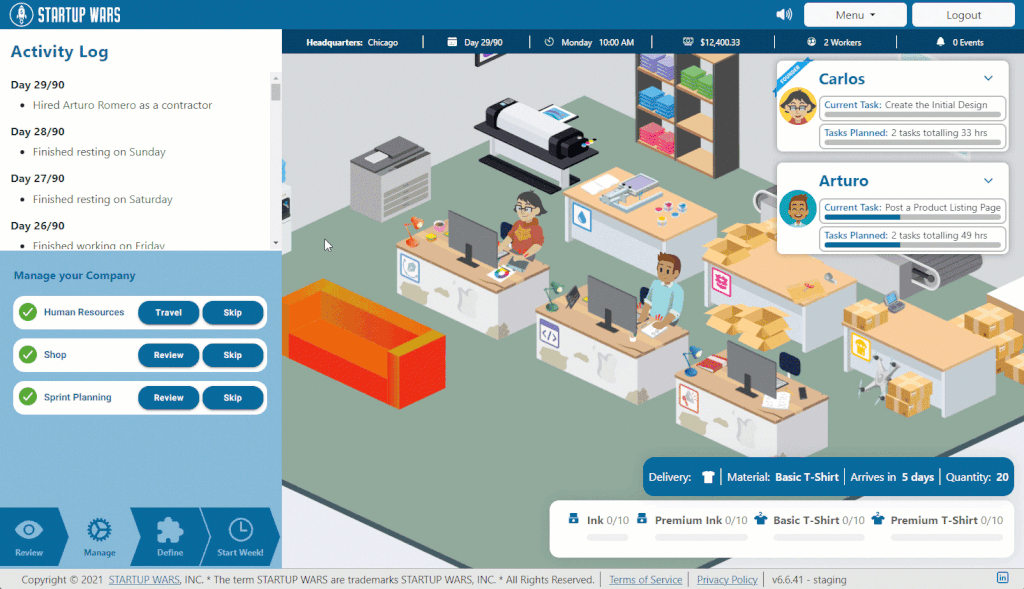
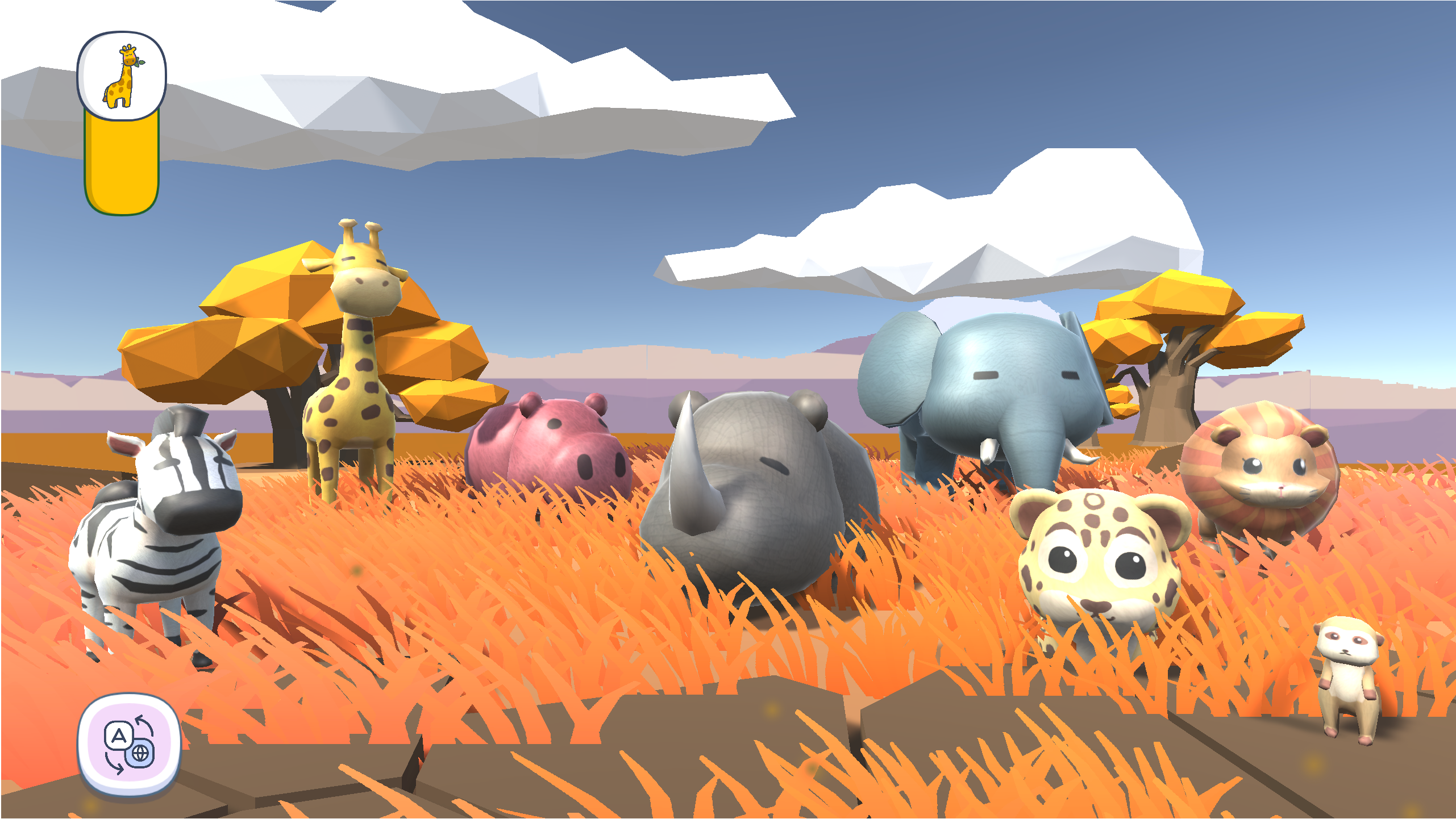
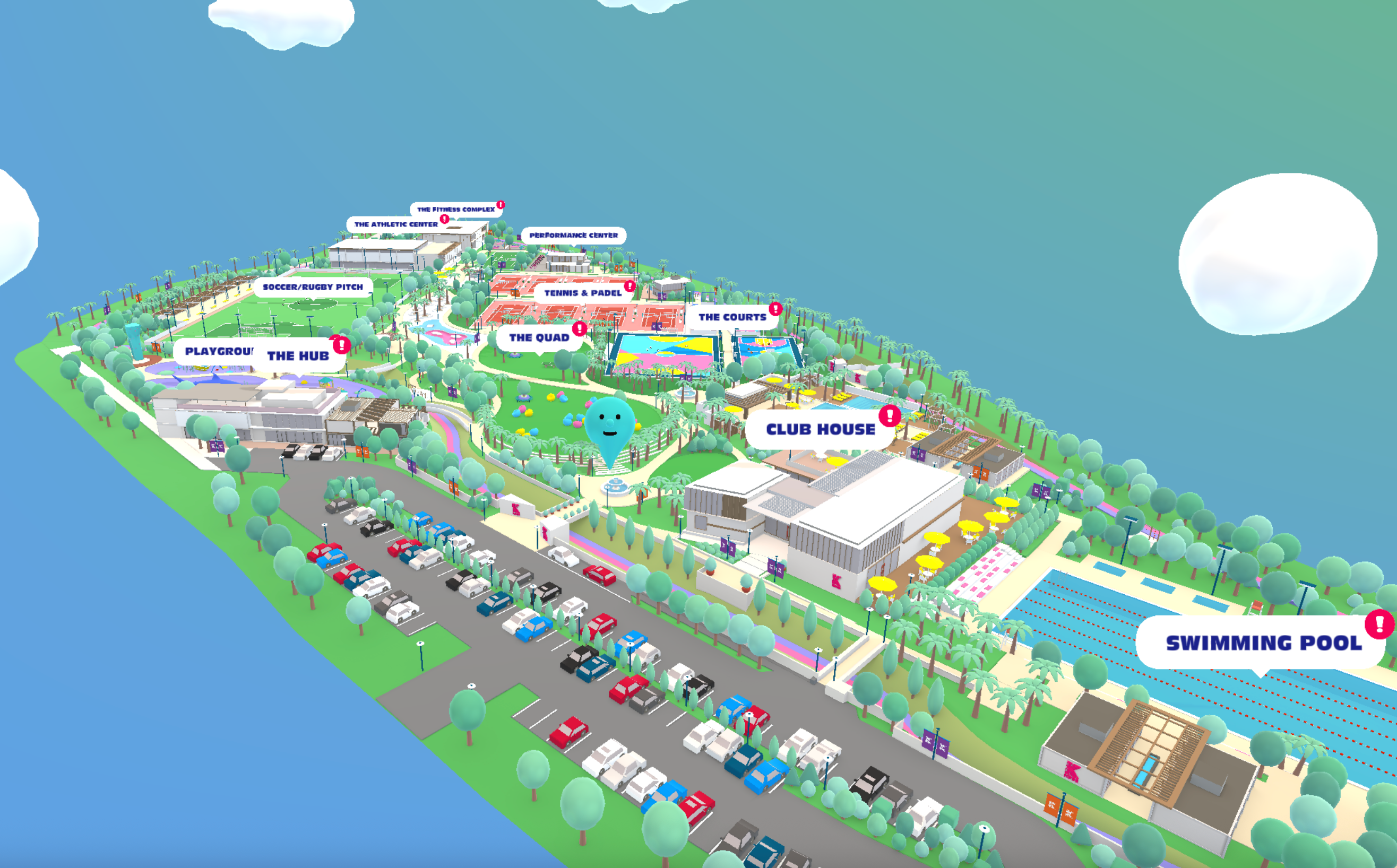
See it in practice
Related reading: - The case against React Three Fiber for marketing sites - Why your Three.js scene is slow on mobile - Browser-based surgical training: what VR gets wrong